Create an Ametistos Account from India
Sign up with email or Google — no international card, no billing address check, no currency conversion. Confirm your email and you are ready to open the control panel.
Register with Email or Google
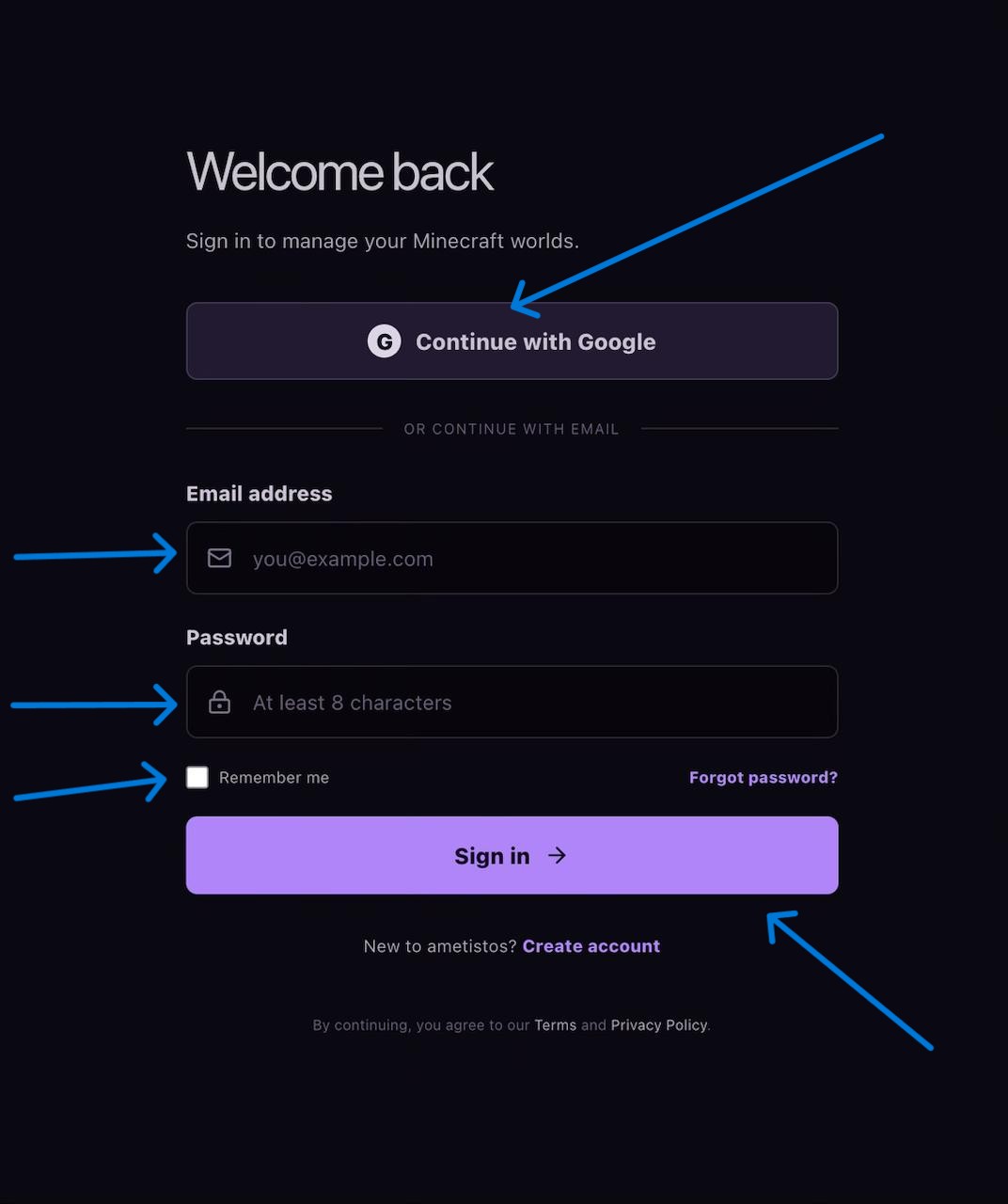
Open the sign-in page and choose email registration or Google authentication. For email registration, enter a valid address and a password with at least eight characters. Ametistos sends a six-digit confirmation code to that address — no OTP to a phone number is required.
Confirm Your Email Address
- Copy the six-digit code from the confirmation email.
- Enter the code on the confirmation screen.
- Use "Resend confirmation code" if the original message has expired.
- Check the spam or promotions folder before requesting another code.
Google login returns to Ametistos through the authorized callback and keeps you signed in for the session. Returning users with a valid session open the control panel directly.
No Card, No KYC, No Hidden Fee
You can update your display name and password from Account settings at any time. Basic hosting stays free — credits are only needed if you later boost RAM beyond the free tier, and even then you pay only for the hours the server actually runs.
Never share your account password or access token. Use scoped server-access permissions when a friend needs to help manage the world instead.
Start from the Ametistos Landing Page
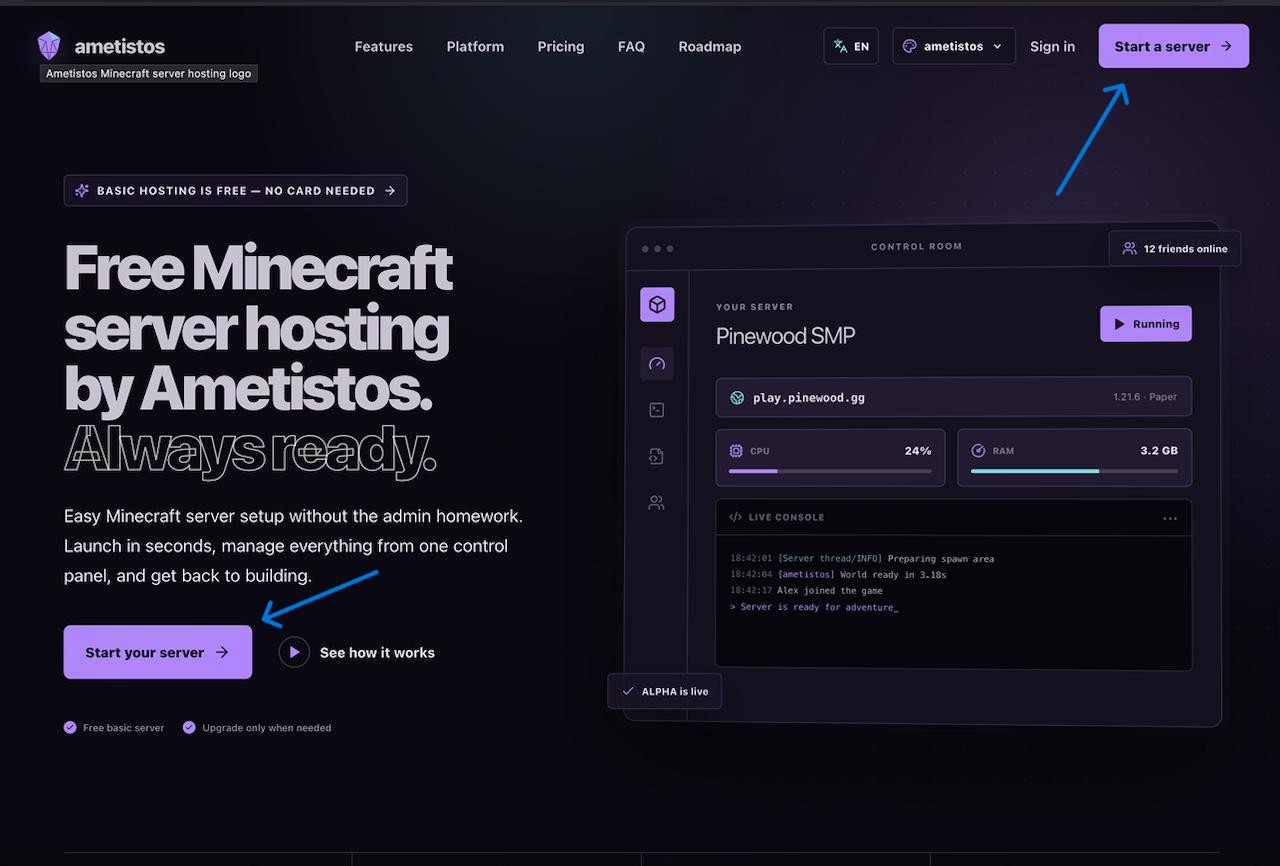
Select Start a serveror Start your serveron the landing page. A valid session opens the dashboard immediately; otherwise, sign in first. From the dashboard, open Your serversand select New server.