Manage Players, Inventory, OP, Ban and Whitelist
Running a shared server for your friend group or Discord community means someone has to keep order. Use the Players tab to review known players, inspect inventory and position data, and manage operator, ban and whitelist status.
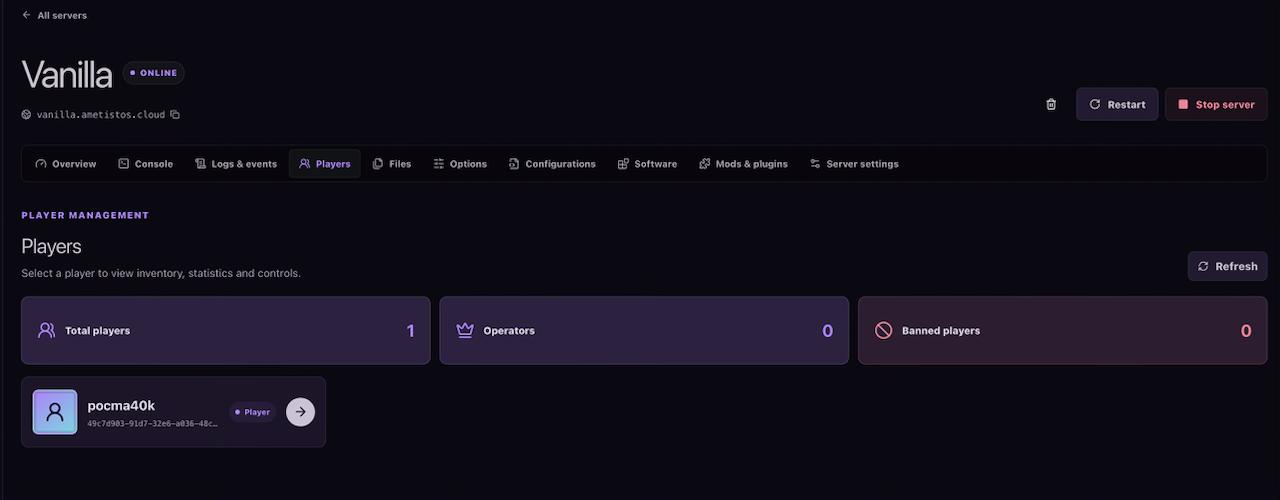
Open the Players List
- Open a server and select Players.
- Wait for stored player data to load from the Minecraft world.
- Select a player card to open the complete profile.
Review Health, Position, Inventory and Statistics
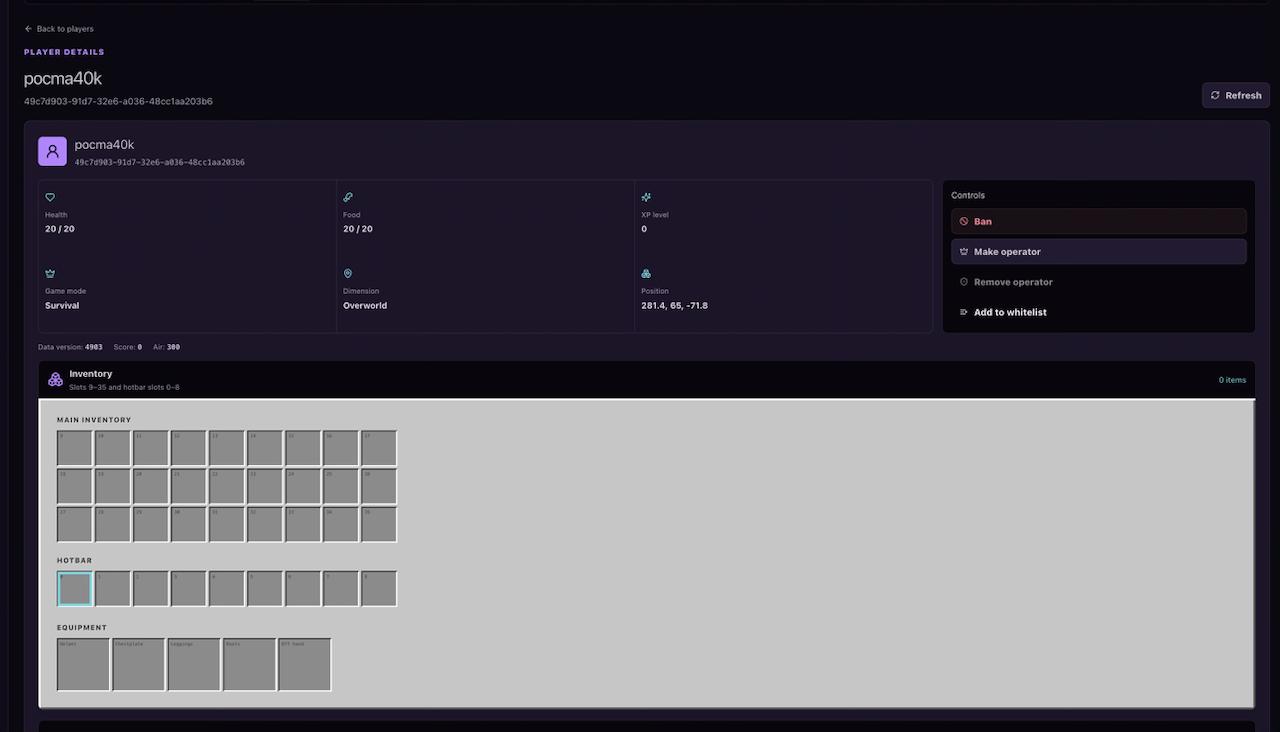
Player details include health, food, experience, game mode, dimension, coordinates, inventory slots, armor, Ender items, abilities and available statistics — useful when someone in the group reports a bug or a missing item.
Use OP, Ban and Whitelist Controls Safely
- Grant OPonly to trusted admins, since it enables powerful commands.
- Use DEOPwhen operator access is no longer required.
- Use BANto keep out a disruptive player.
- Use the WHITELISTfor private, friends-only servers.
- Confirm command results in Console if the displayed state does not update immediately.